
Reading goal, list and bingo: different approaches
A goal tracks a numeric target. A list gathers items defined by you or by a template. A bingo arranges criteria into squares on a grid, letting you see your picks as covers. The right format depends on what you want to track, not on a single reading rule.
For a fixed selection of titles, a list gives you a clear reference. To vary themes and genres, a bingo can make the options more visual. To follow a target over a period of time, a quantity challenge highlights your progress. The creation steps are in each feature’s tutorial.
Sagas created from your book details
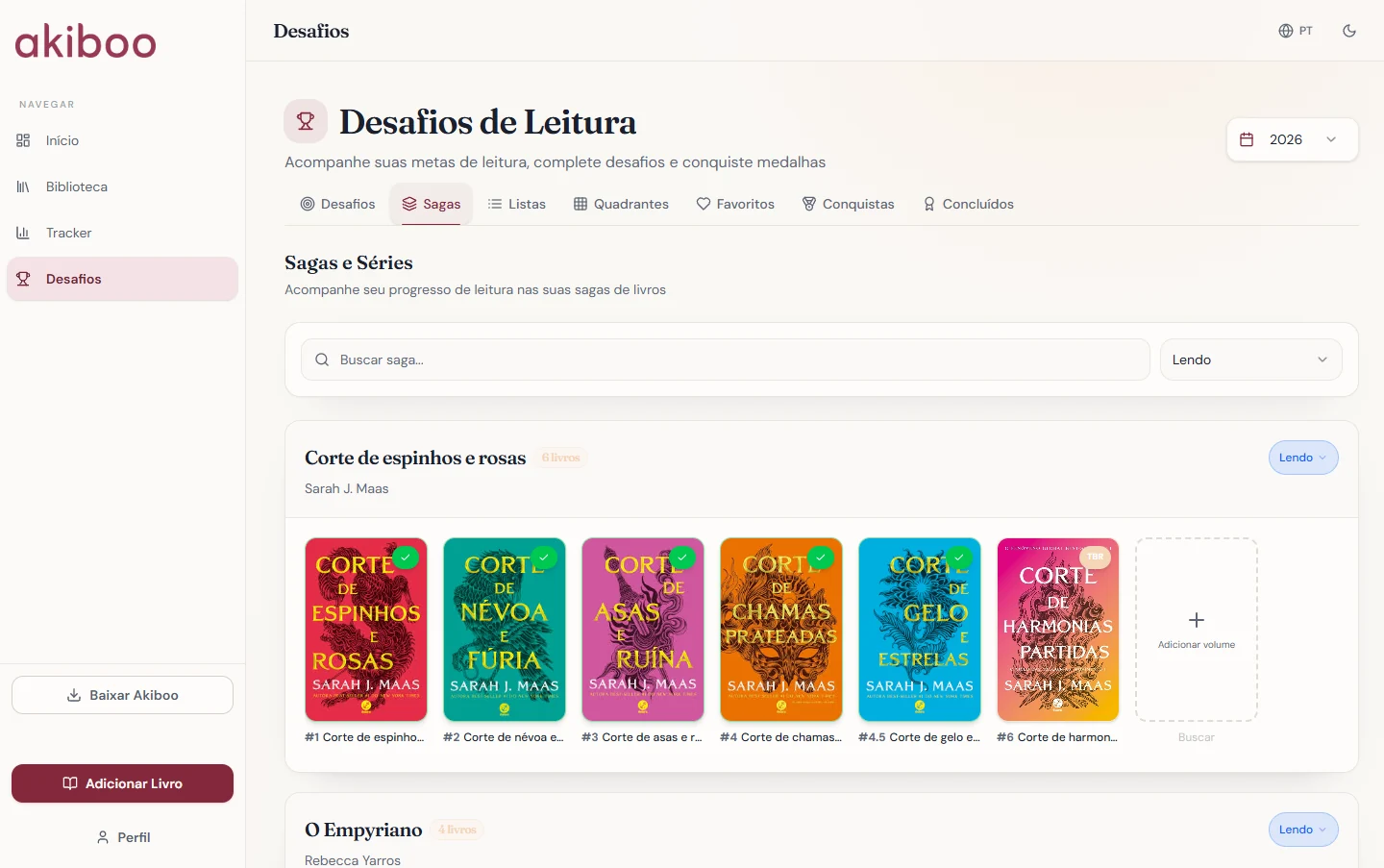
When you add a book and fill in Series and Volume, the saga is created automatically. The organization depends on these fields: titles with inconsistent names or numbering may need their entries reviewed.
The Not started, Reading, Finished, Paused and Abandoned states help you see where you stand with each series. This tracking reflects the books you’ve added and shouldn’t be mistaken for a complete catalog of every published volume.
Favorites, achievements and finished challenges
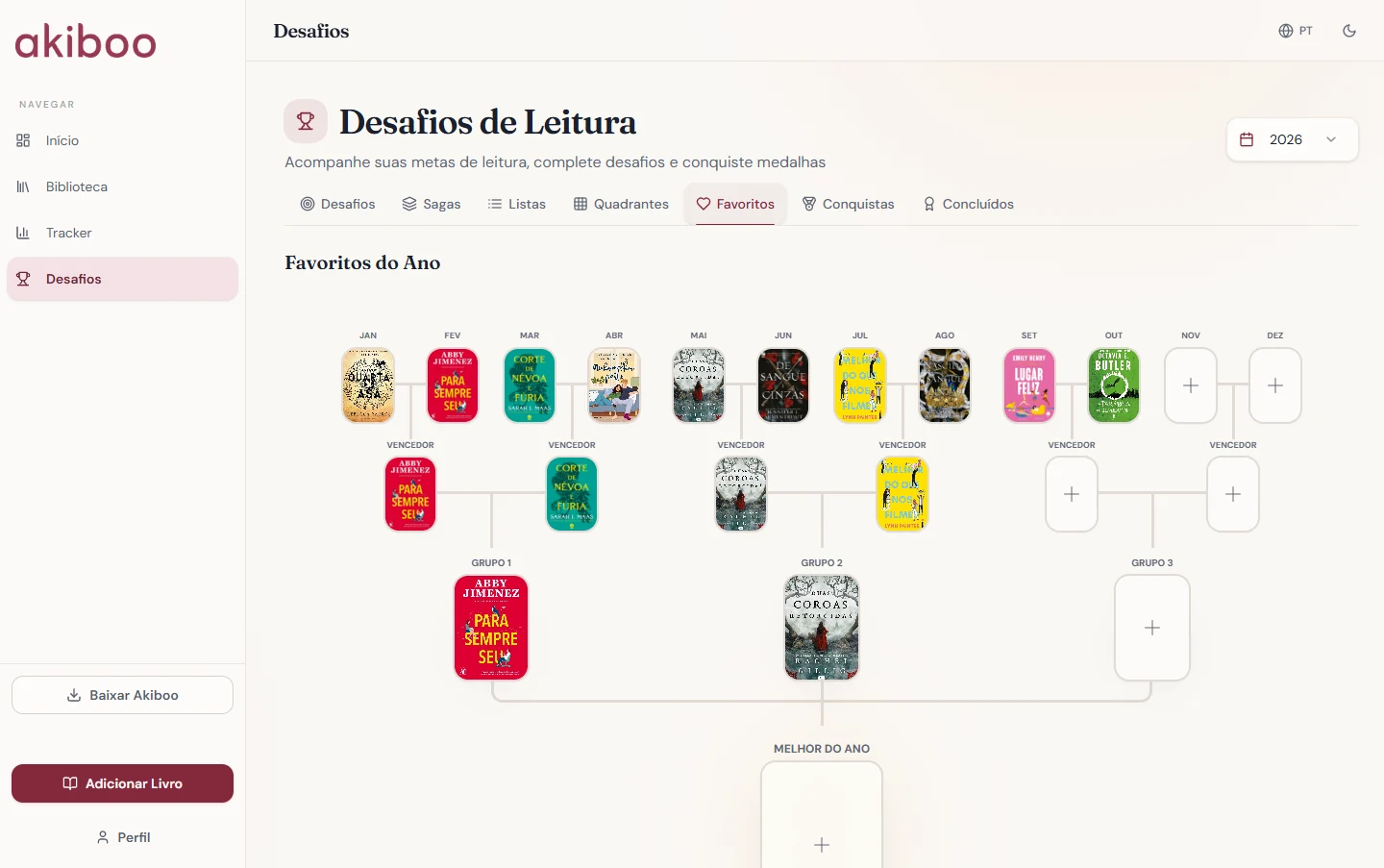
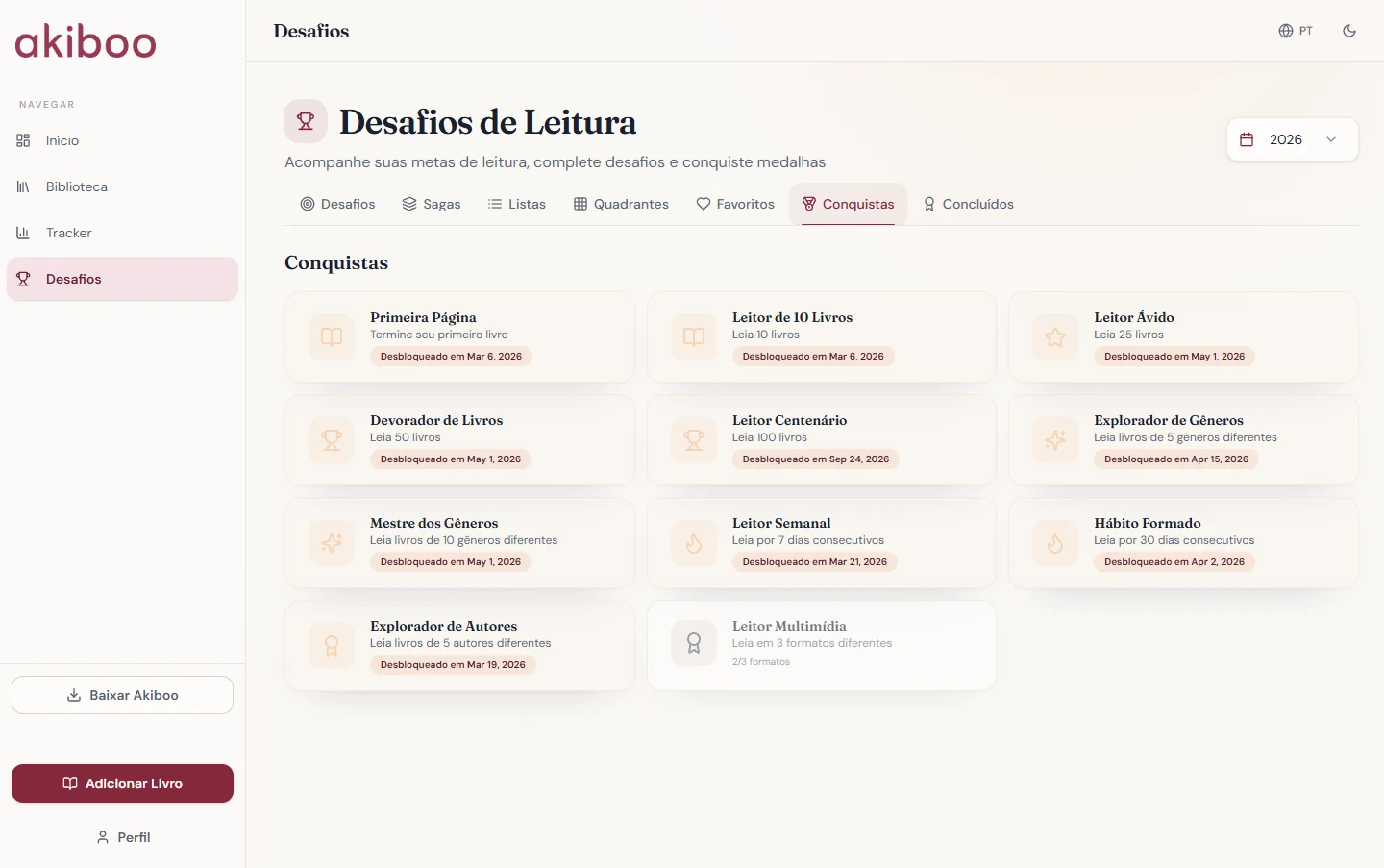
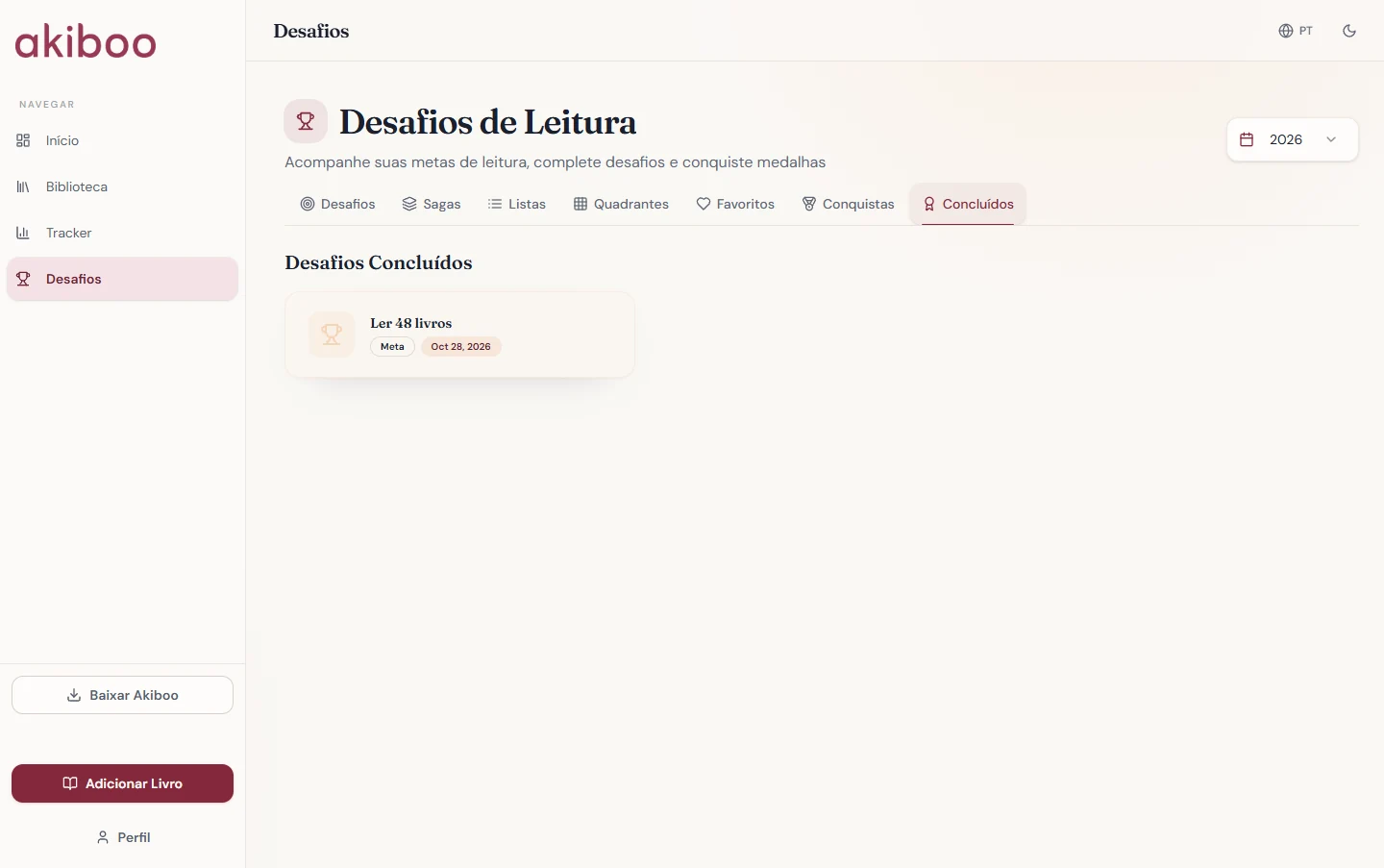
Favorites organizes a recap of the year’s highlights. Achievements shows badges and criteria tied to your activity in the app. Finished gathers the challenges you’ve completed. They are different perspectives: a personal pick of highlights, usage milestones and a history of completed goals.
The Achievements tab is available on the free plan. Favorites and the other challenge features are Premium. The screenshots show examples from one library, not guaranteed results for every user.
Premium feature
Challenges, Sagas, Lists, Grids, Favorites and Finished are Premium only. The Achievements tab is also available on the free plan. Learn about Premium.
Meet the seven Challenges tabs
Find your goals, series, lists, grids, favorites, achievements and finished challenges in one place. See what each tab offers and choose where to start.
Challenges
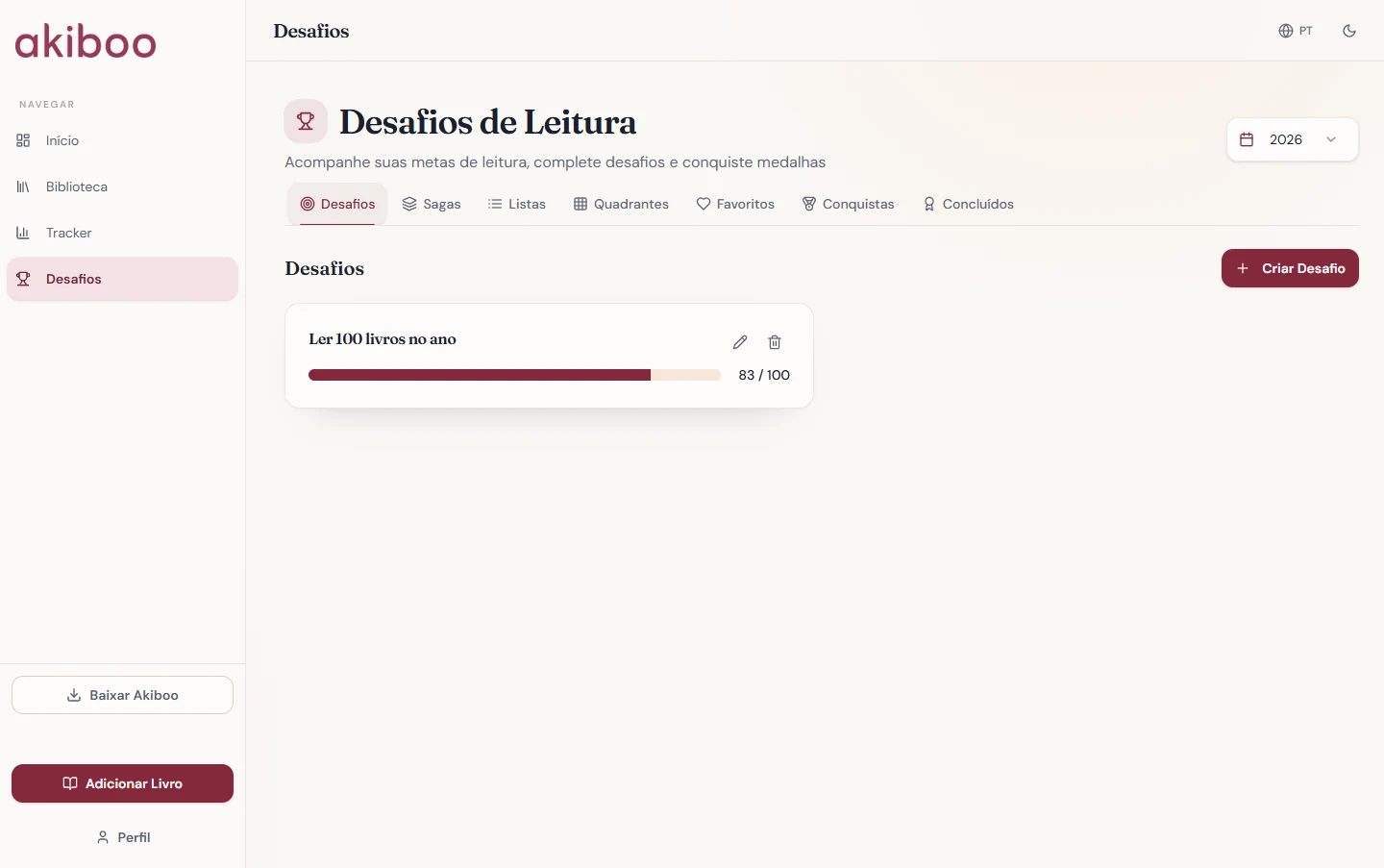
Set a goal and track your progress. This tab gathers your active challenges and how far you’ve come toward each target.
Sagas
When you add a book and fill in the Series and Volume fields, the saga is created automatically. Organize your sagas by status (Not started, Reading, Finished, Paused or Abandoned) to stay on top of every series.
Lists
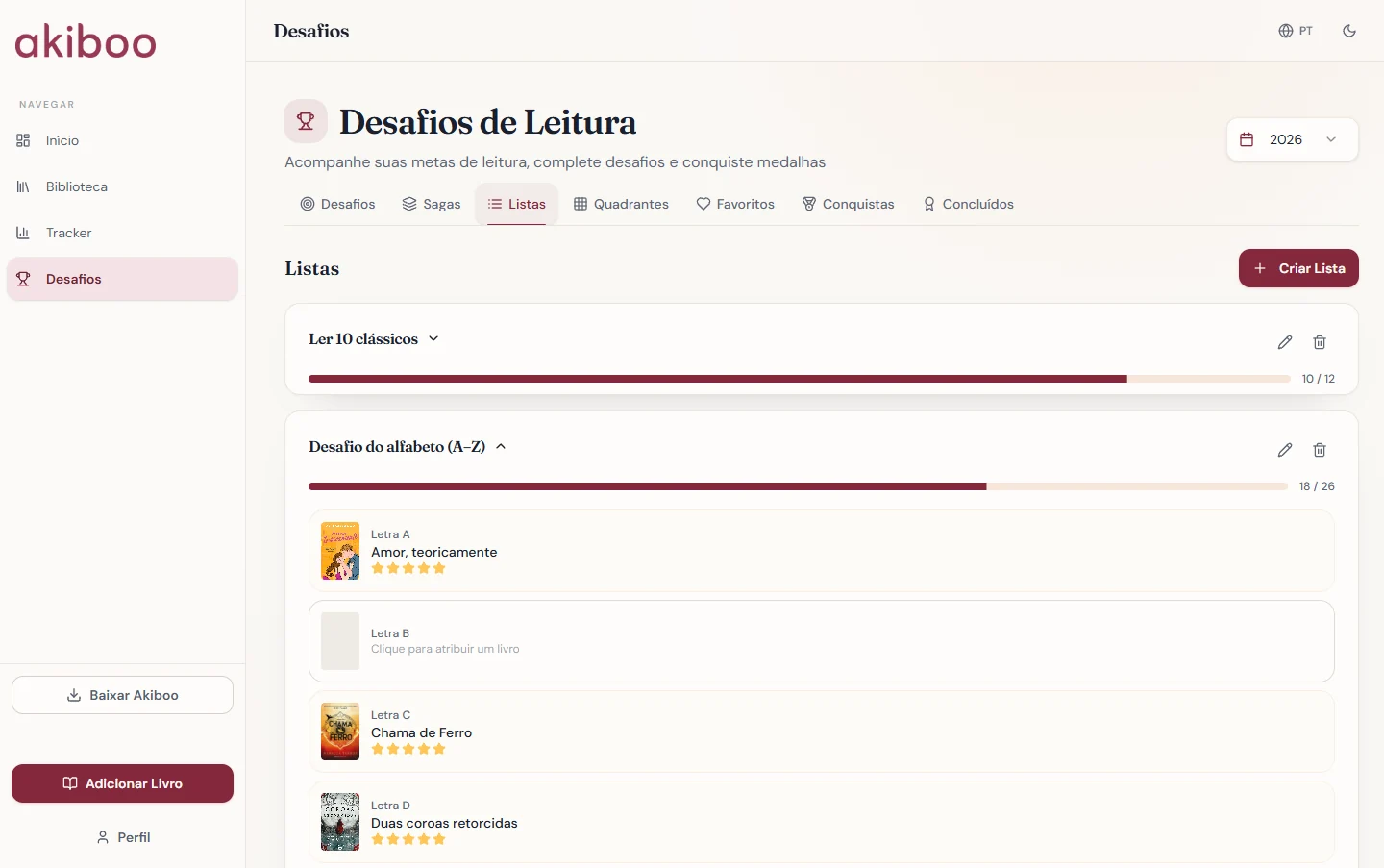
Gather books into themed lists, use templates or create your own items. Track your progress on the list you chose.
Grids
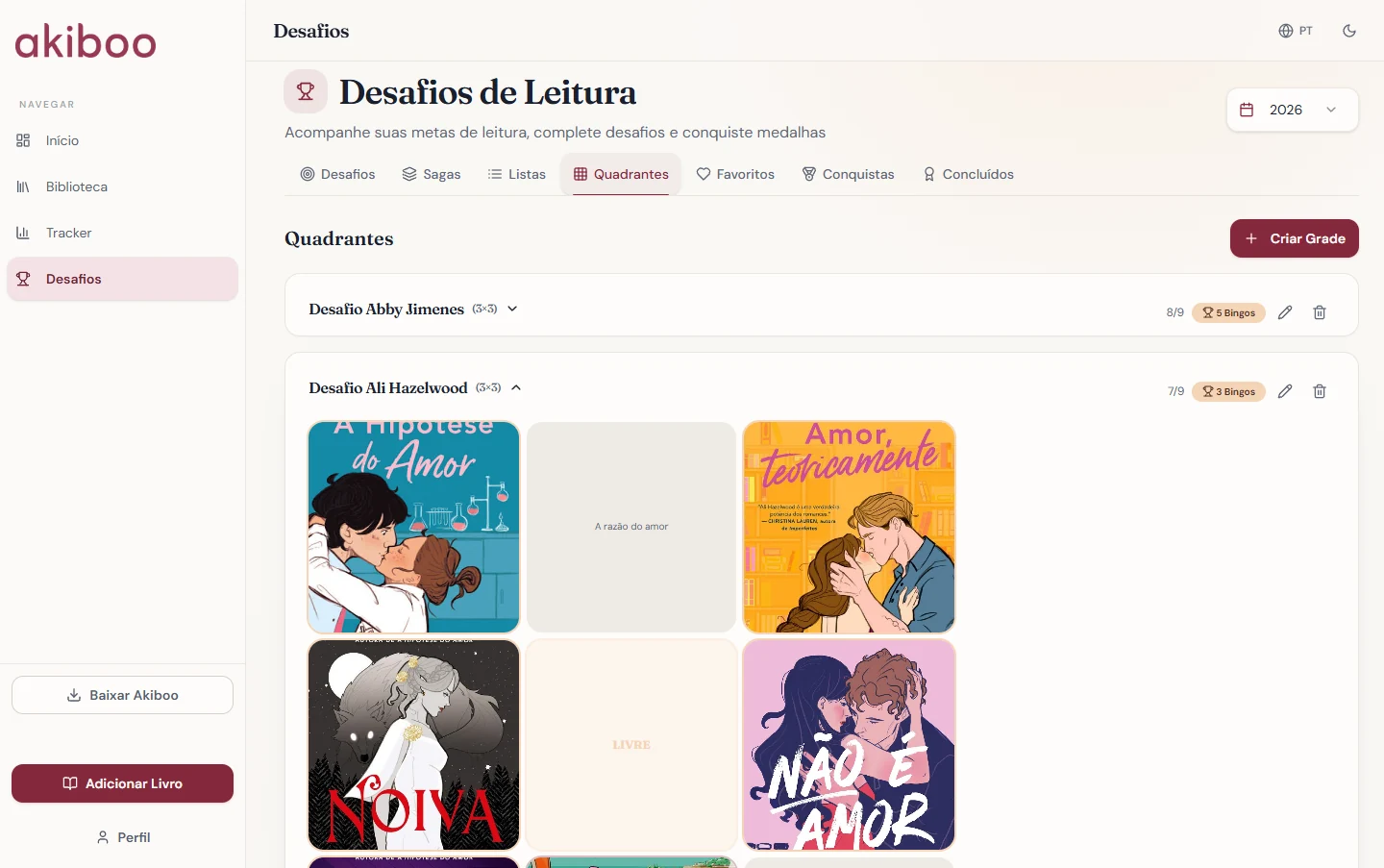
Organize a challenge as a visual grid, with themes for each square and a book linked to each pick. Customize the criteria to build your reading bingo.
Favorites
Choose each month’s highlights and revisit your reads in the year’s recap. The visual layout helps you follow the selection of your favorites.
Achievements
Browse the badges and goals the app offers. See the criteria and follow the milestones of your reading activity.
Finished
Revisit the challenges you’ve already completed. The history helps you remember finished goals and choose your next one.
An invitation to step outside your usual picks
Challenges help you try new authors, formats and themes. Choose categories that spark your curiosity and leave room for the books that come your way.
Try a nine-book bingo
Set up categories such as: a Brazilian woman author, a short book, fantasy, a friend’s recommendation, a reread, a debut, a romance, a mystery and a book that’s already on your shelf. It’s just an idea for you to adapt.
Track your challenge
Akiboo offers goal-based challenges and bingo grids, including detection of completed lines. Check feature availability in the plans and follow your progress in the app.
Your next story starts here.
Create your account and start organizing your reading. See the free and Premium features on the plans page.