
1. Open the Tracker
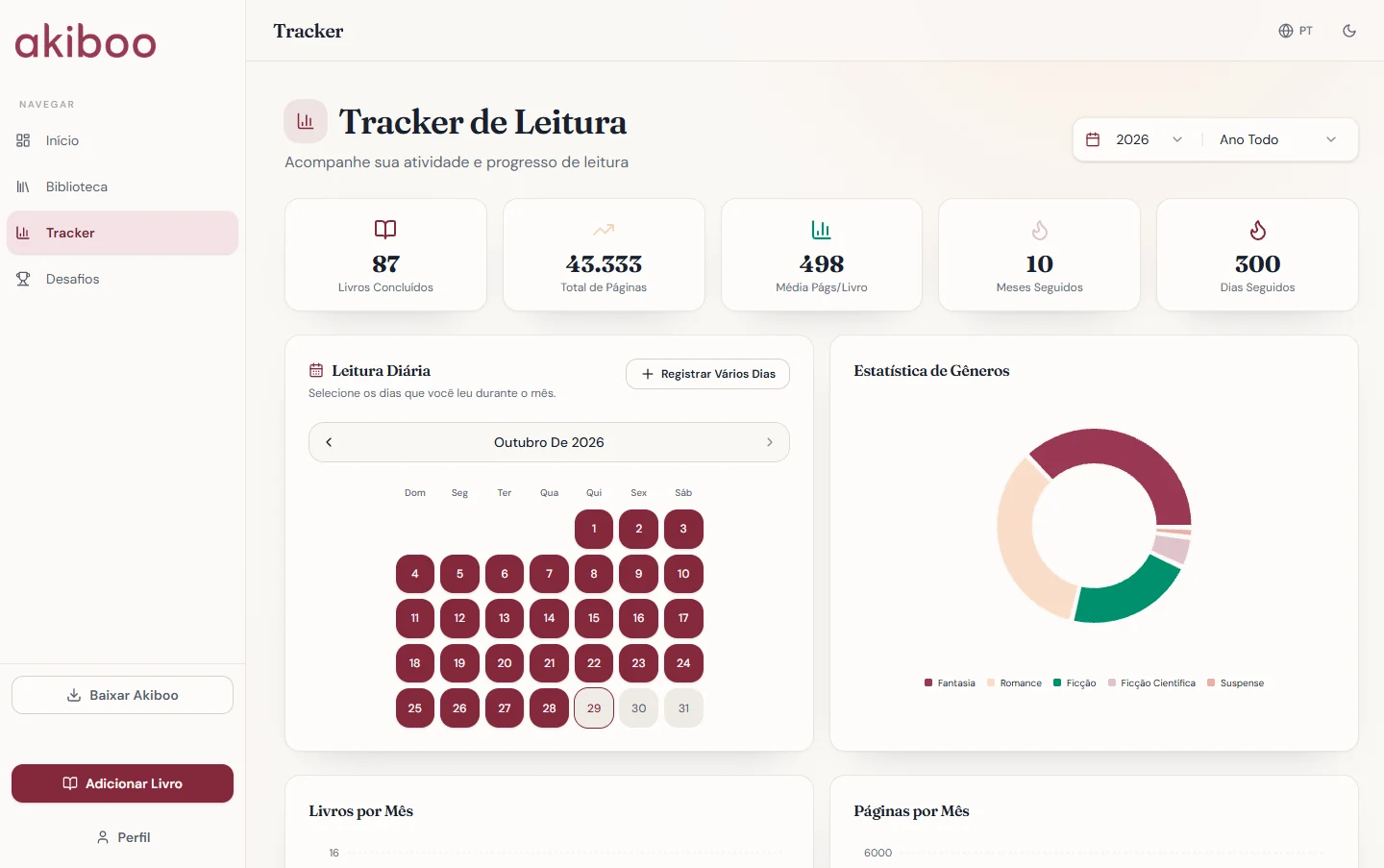
The Tracker brings together your activity and stats for the period. Choose the year you want to look at and check the calendar. This information helps you revisit your reading habit; it doesn’t replace checking each book’s details in your library.
2. Choose the day and the book
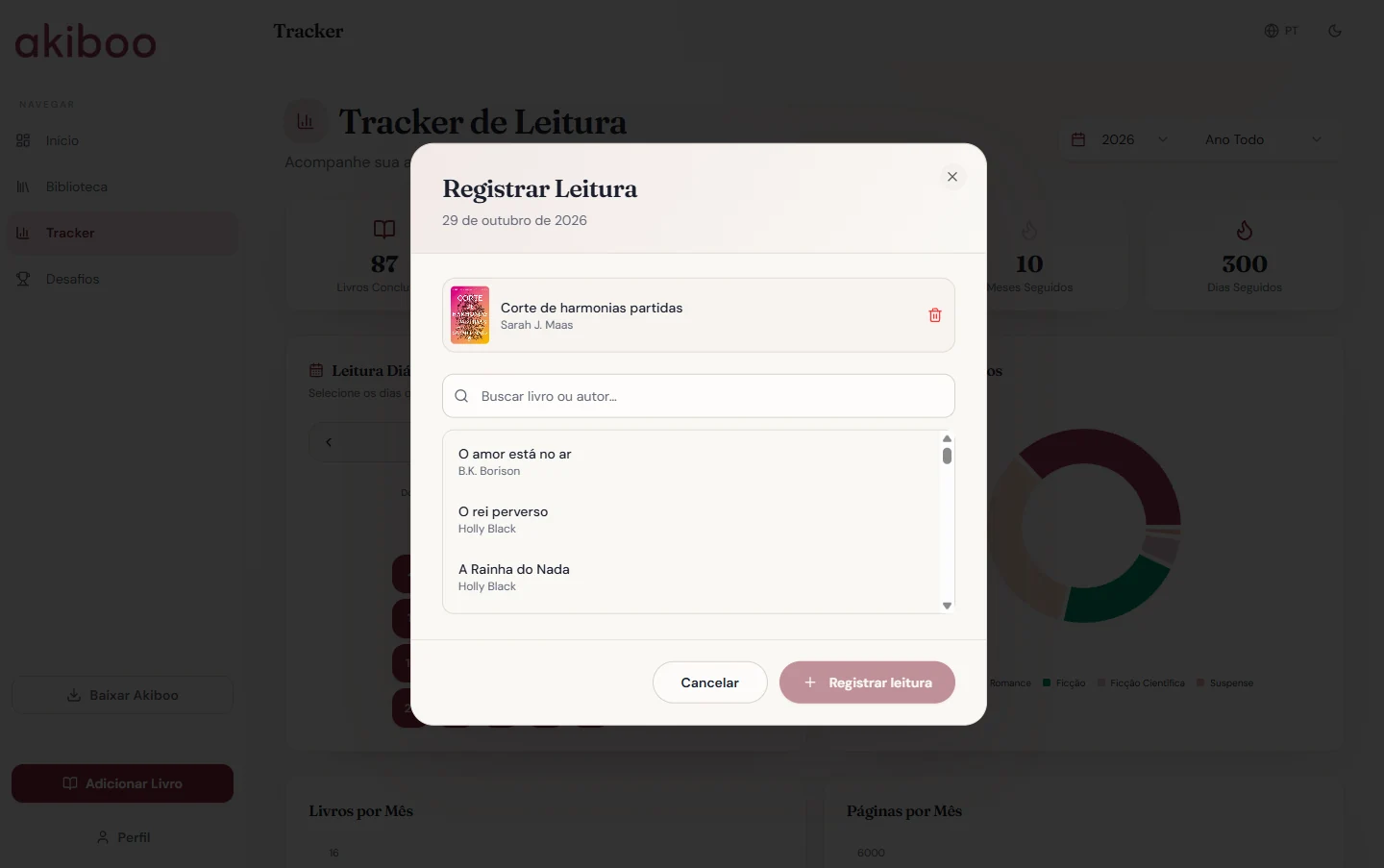
When you open the reading log, select the matching book. Search helps you find a title in a large collection. Check the date before confirming, especially if you’re logging a past session. This avoids accidentally putting the activity on today’s date.
3. Update several days at once
The Log Multiple Days option lets you choose a book and a date range. Use it when you want to log a run of days on which you actually read that title. Check the start and end dates before confirming. For single days or different books, log them separately to keep your history accurate. See the step by step →
How to read the calendar
After logging, find the day in the calendar and review the selected period. A long book can span many sessions before it shows up as finished. So look at frequency together with progress and reading totals, without measuring your whole experience by the number of books finished.
See it in the app
Real demos, silent and looping, with pauses shortened to make them easier to follow.
Check the calendar and stats
Scroll through the Tracker to see the calendar and charts. The stats offer different views of your habit: frequency, books and pages are not the same measure.
Use Akiboo your way.
Start with your next read and explore the features at your own pace. See the free and Premium features in the plans.