
1. Choose a goal that fits your year
During the welcome tour, you can set how many books you plan to read. Pick a number that suits your routine and the kinds of books you usually choose. A goal helps you track your progress, but it doesn’t have to dictate all your next reads. If you’d rather not decide yet, the tour lets you leave steps for later.

2. Find the book you’re reading
Search by title, author or ISBN and check the result before adding it. Books with several editions may have different covers and page counts. When you select a result, choose the status that matches your read. You can also start with a book you’ve already finished or want to read.

3. Get to know your dashboard
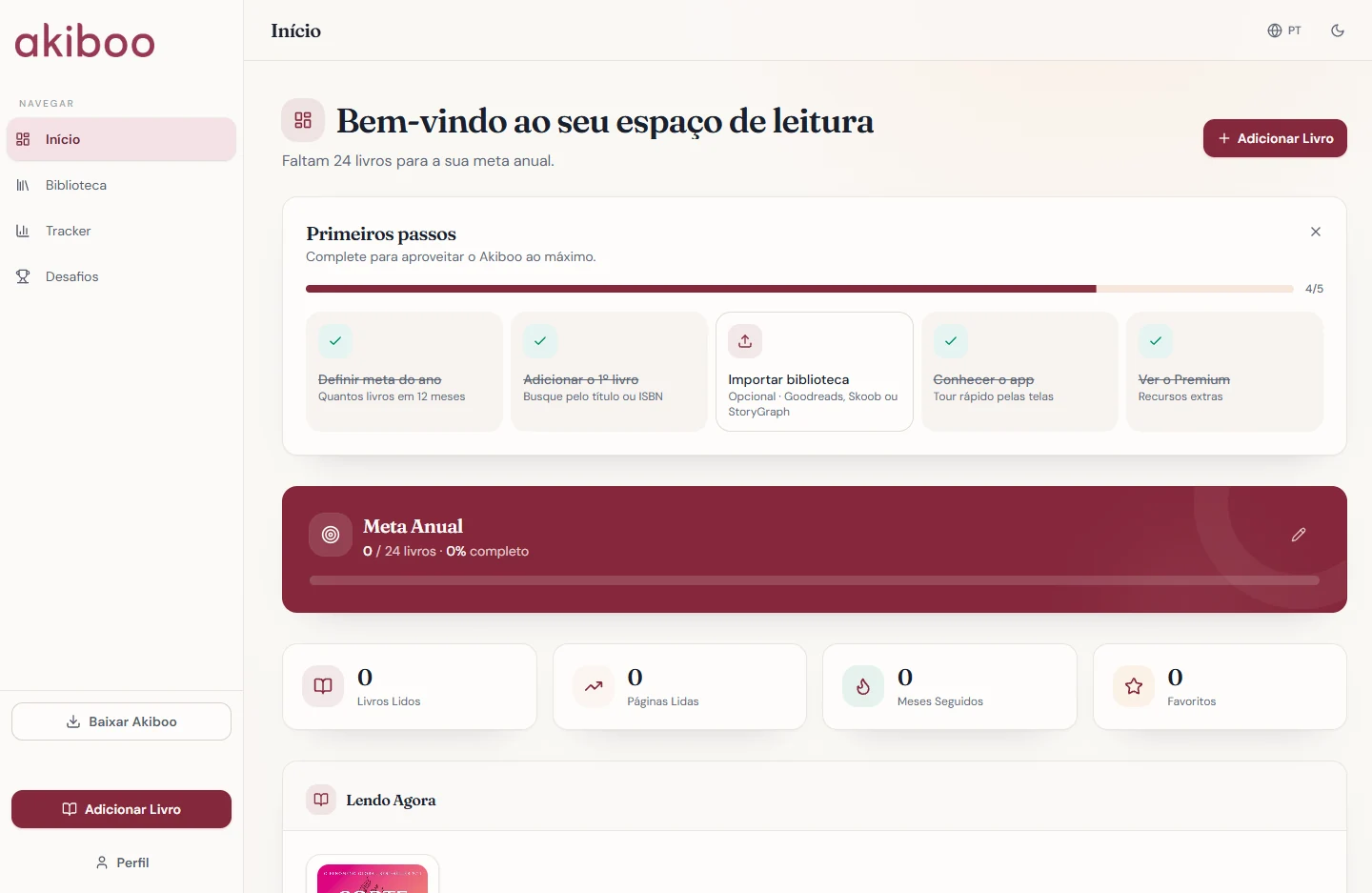
The dashboard brings together your goal and current reads. The getting-started block helps you find actions like adding books and importing a library. After adding your first book, open the Library to check its details and the Tracker to see the activity calendar.
Your first day, at your own pace
A simple way to begin is to add your current book, choose its status and check your library. Then try logging a day of reading. Notes, challenges and moodboards can come in when they make sense to you. You don’t need to fill in every field or write a review to use Akiboo.
Use Akiboo your way.
Start with your next read and explore the features at your own pace. See the free and Premium features in the plans.